Professionalizing production does not always mean spending a fortune. With PiSeun, you can move from spreadsheets and notebooks to organized, efficient digital management. Control inventory and production processes and obtain traceability as a result, using a tool designed for microenterprises and entrepreneurs. You can also try PiSeun free for 30 days, and every section includes instructions that guide you step by step.
Step 1: identify losses and hidden costs
Before purchasing software, identify where time and money are being lost: supply shortages, rework, order errors, and overselling. Document 2–3 key problems to address first.
Step 2: begin with inventory control for small businesses
Simple inventory control prevents overbuying and shortages. With PiSeun, you can:
- Record daily incoming and outgoing movements.
- Define replenishment minimums to prevent stockouts.
- Classify supplies by criticality and priority. A tool such as PiSeun makes this quick and helps prevent losses.
Step 3: digitize key processes one at a time
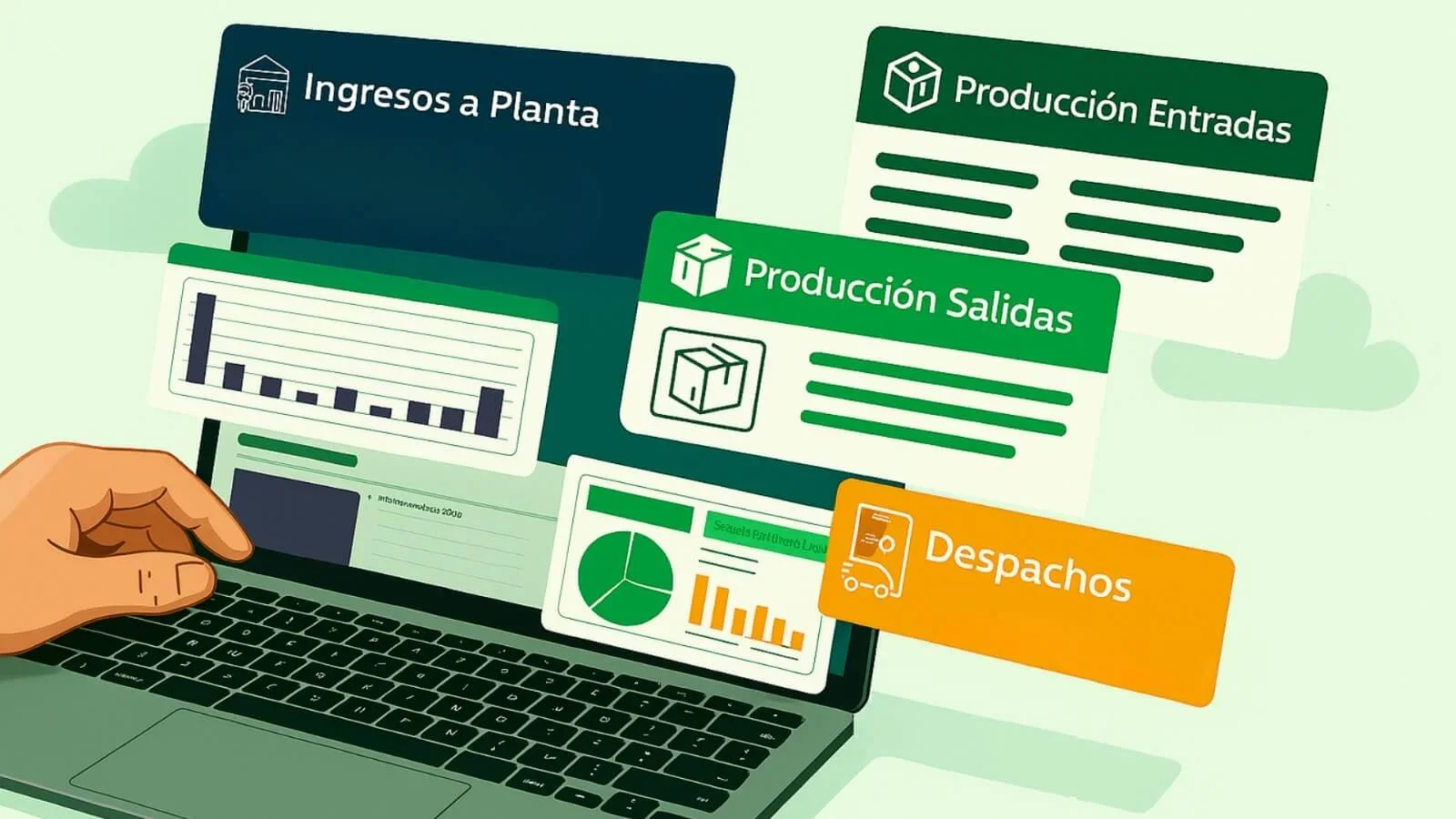
Do not try to digitize everything at once. Begin with the biggest problem, such as recording incoming raw materials and supplies and outgoing finished products. Digitizing these specific steps gives you real control over inventory and traceability and lets you see tangible results quickly.
Step 4: measure simple results
Measure straightforward indicators:
- Percentage of shortages per order.
- Average time to complete an order.
- Losses caused by waste. These figures let you assess the return on investment and sustain the changes.
Step 5: choose the right tool
When looking for production management software, prioritize:
- Ease of use and access to instructions in every section.
- Essential functions such as inventory, traceability, and reports.
- The opportunity to try it free for 30 days and make sure it suits your business. Do not focus only on advanced functions. What matters is that the system solves your specific problems and lets you experience its value before deciding.
Examples of low-cost actions
- Organize inventory with simple shelving and labels printed from PiSeun to identify supplies and finished products.
- Standardize production processes in a reference sheet and record incoming raw materials and outgoing finished products in PiSeun.
- Record basic data in the system to begin generating reports and viewing the actual state of inventory and production.
- Use the instructions available in every PiSeun section and screen to quickly learn how to record each process and get the most from the system.
Expected results
With simple actions and PiSeun, you can:
- Reduce losses by 10–30%, depending on the case.
- Dramatically reduce the time spent recording production.
- Save hours each week on administrative tasks by automating processes with PiSeun.
- Improve predictability and delivery capacity through real-time inventory control.
- Make informed decisions using automatic reports.
- Learn to use every function easily with the available instructions.
Try PiSeun free for 30 days and discover how to professionalize your business’s production without major investments. Every section of the system includes clear instructions explaining each screen and how to use all its functions. Request trial access and begin organizing production today.